
No products in the cart.
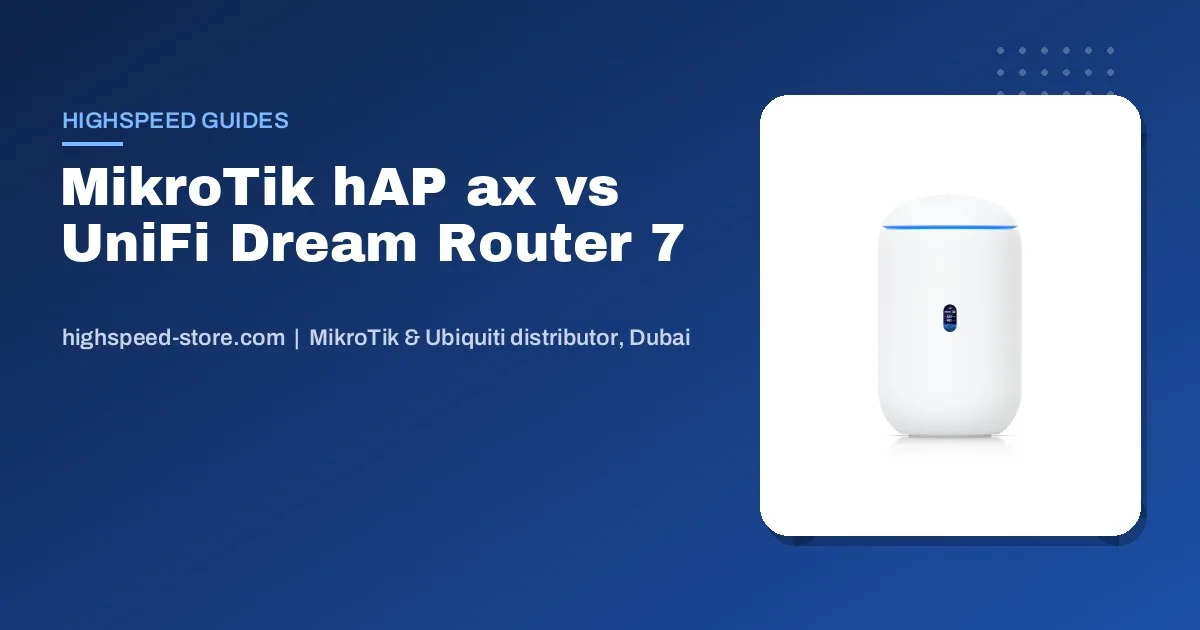
Choose a MikroTik hAP ax router if you want the most control and features for the money and someone on your side is comfortable with settings. Choose the UniFi Dream Router 7 if you want Wi-Fi 7, a polished phone app and an easy path to add more UniFi access points and cameras later. Both are strong choices for a UAE villa, apartment or small office. This guide compares them on management, Wi-Fi, ports, expansion and price, with live AED prices from our Dubai stock.
Quick comparison
| MikroTik hAP ax family | UniFi Dream Router 7 | |
|---|---|---|
| Price today | hAP ax S AED 334 · hAP ax² AED 339 · hAP ax³ AED 477 |
UDR7 AED 1,357 |
| Wi-Fi | Dual-band Wi-Fi 6 | Wi-Fi 7 |
| Wired ports | Gigabit ports; the hAP ax³ adds a 2.5G port | Includes a 10G port and PoE |
| Software | RouterOS (WebFig, WinBox, MikroTik mobile app) | UniFi Network (web and phone app) |
| Licence or subscription | Permanent RouterOS licence included | No licence fees for UniFi Network |
| Best for | Tinkerers, IT staff, small offices with VPN, multiple internet lines or bandwidth rules | Homes and offices that want simple management and plan to grow with UniFi |
Prices are pulled live from our store and update automatically.
Management: the real difference
This is the deciding factor for most buyers. MikroTik RouterOS exposes everything: firewall rules, VLANs, queues, VPN servers, failover between two internet lines, hotspot pages. The quick-set wizard gets a home online in minutes, but the power is in the detail, and that takes learning. If you want to understand what RouterOS can do, read What is MikroTik and how RouterOS works.
UniFi is built for people who would rather not read a manual. Setup happens in the UniFi app, the dashboard shows every connected device, and adding an access point means plugging it in and tapping adopt. You give up some of MikroTik’s low-level control, but you gain a much smoother experience for family members or office staff.
Wi-Fi and coverage in a UAE villa or office
The UDR7 brings Wi-Fi 7, and the hAP ax models bring Wi-Fi 6. Either is fast enough for UAE fibre plans in the rooms closest to the router. The bigger issue in the UAE is construction: thick concrete and block walls, multiple floors and majlis or annex buildings mean a single router rarely covers a whole villa. Plan for access points from the start:
- With UniFi: add U7 Lite (AED 460) or U7 Pro (AED 822
AED 857) ceiling access points on each floor, managed in the same app. Our villa mesh Wi-Fi guide shows typical layouts. - With MikroTik: add cAP ax ceiling access points (AED 460) and manage them centrally from the router.
Wired access points always beat wireless repeaters. If the villa has Ethernet runs to each floor, use them.
Ports, speed and the internet connection
Both routers connect behind the fibre terminal or router from your UAE internet provider. Ask the provider whether your line uses PPPoE login or plain DHCP; both MikroTik and UniFi handle either. If you have, or plan to have, a multi-gigabit plan, the UDR7’s 10G port and the hAP ax³’s 2.5G port matter. On a standard 500 Mbps or 1 Gbps plan, gigabit ports are fine.
Running two internet lines, for example fibre plus a 5G backup, for a shop or office? MikroTik makes failover and load balancing very flexible. UniFi also supports multiple WANs on its gateways, and the UniFi Cloud Gateway Ultra (AED 518) is a compact multi-WAN option if you prefer separate access points.
Which one should you buy?
- Apartment, simple needs, lowest cost: MikroTik hAP ax S.
- Villa or family home, easy app, room to grow: UniFi Dream Router 7 plus U7 access points.
- Small office with VPN, guest network rules or two internet lines and an IT person: MikroTik hAP ax³.
- Best of both: many UAE businesses use a MikroTik router for routing and firewalling with UniFi access points for Wi-Fi. That mix works well. See MikroTik vs Ubiquiti for small business.
Buying tip: buy from an official distributor so you get genuine units with UAE warranty and the correct regional radio settings. Grey imports are common for both brands. See genuine vs grey-market Ubiquiti.
Frequently asked questions
Is MikroTik or UniFi better for a home in the UAE?
For most families, UniFi is easier: the Dream Router 7 sets up from a phone app and makes adding access points simple. MikroTik is better value and more flexible if someone in the house is comfortable with network settings.
Does UniFi or MikroTik need a subscription?
No. MikroTik routers include a permanent RouterOS licence, and UniFi Network has no licence fees. Neither needs a monthly subscription to work.
Can I use a MikroTik router with UniFi access points?
Yes. This is a common setup in UAE offices and villas: the MikroTik router handles the internet connection and firewall, and UniFi access points handle the Wi-Fi, managed by a UniFi controller or gateway.
Will these routers work with du and e& fibre?
Yes. Both connect behind the provider’s fibre terminal or router. Check with your provider whether the line uses PPPoE login or DHCP; both brands support either.
Is Wi-Fi 7 worth it over Wi-Fi 6?
If your phones and laptops support Wi-Fi 7 and you have a fast fibre plan, yes. Otherwise Wi-Fi 6 is plenty today, and good access point placement matters more than the Wi-Fi generation.
Not sure which router fits your home or office?
Tell us the size of the place, how many floors and your internet plan. We will recommend a router and access points from stock in Dubai.