No products in the cart.
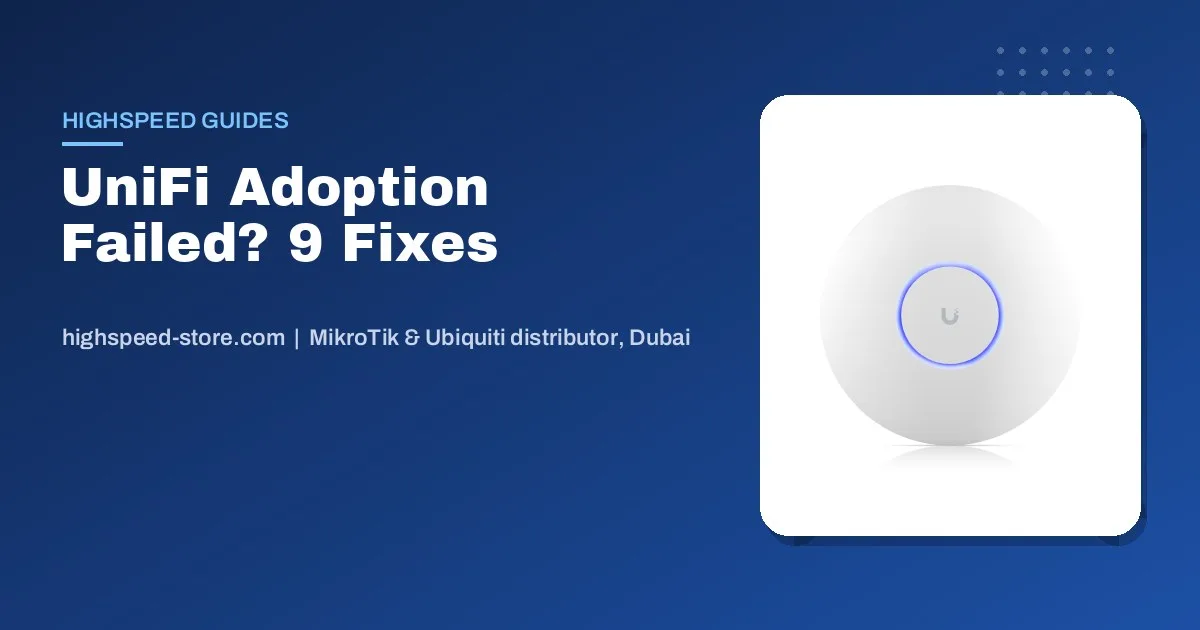
When a UniFi access point says Adoption Failed, loops on Adopting, or never appears in the UniFi Network app at all, the cause is almost always one of five things: the AP still belongs to another controller, it cannot reach your controller, its firmware is too old, it is not getting enough power, or it sits on a different network than the controller. Work through the fixes below in order. Most APs that come back to our Bur Dubai counter as “faulty” are fixed by fix 1 or fix 4.
The short answer
- Factory reset the AP (hold reset about 10 seconds while powered), then try again.
- Check power: Wi-Fi 7 APs generally need PoE+ (802.3at).
- Same network: the AP and controller should be on the same VLAN for normal adoption.
- Still stuck? SSH in and run
set-inform http://<controller-IP>:8080/inform. - Firewall: the AP must reach the controller on TCP 8080 and UDP 3478.
What the status is telling you
| Status you see | What it usually means | Start with |
|---|---|---|
| AP not listed at all | Controller cannot discover it: different subnet or VLAN, blocked UDP 10001, or no power | Fix 2, 3, 6 |
| Adoption Failed | AP belongs to another controller, or its firmware is too old | Fix 1, 5 |
| Stuck on Adopting, then Offline | AP was told where the controller is but cannot reach it on TCP 8080 | Fix 4, 7 |
| Adopting loop with reboots | Power: the switch port or injector cannot supply enough PoE | Fix 3 |
| Managed by another console | AP still adopted to a previous owner’s site | Fix 1 |
Nine fixes, in the order we try them
- 1. Factory reset the access pointWith the AP powered, press and hold the reset button for about 10 seconds until the LED changes, then release. A reset clears any old controller address and returns the AP to its factory login. This alone fixes most second-hand and re-used APs.
- 2. Put the AP on the same network as the controllerNormal adoption relies on discovery inside one network. Plug the AP into a port on the same VLAN as your Dream Machine, Cloud Gateway or controller. If your switch port carries a management VLAN, make sure the AP’s untagged (native) network is the one the controller lives on.
- 3. Check PoE powerAn AP that is short of power boots, starts adopting and reboots again. Wi-Fi 7 models generally need PoE+ (802.3at); older Wi-Fi 6 Lite models run on standard PoE (802.3af). Check the PoE class on the product page and on your switch or injector. A cheap passive 24V injector will not power a UniFi 802.3af/at AP correctly.
- 4. Tell the AP where the controller is (set-inform)SSH into the AP with the factory login (ui / ui on current firmware, ubnt / ubnt on older firmware). Run
set-inform http://<controller-IP>:8080/inform, then click Adopt in the UniFi Network app. If it hangs, run the same set-inform command a second time. Our UniFi default password guide lists the logins for every device. - 5. Update old firmwareAn AP that sat in stock for a long time can be too old for your current Network application. Adopt it if you can and update from the device panel. If adoption keeps failing, update it over SSH using the firmware file for that exact model from Ubiquiti’s official download page, then adopt again.
- 6. Allow the discovery and inform portsBetween the AP and the controller, allow UDP 10001 (discovery), TCP 8080 (device inform) and UDP 3478 (STUN). Office firewalls and some managed switches block these quietly.
- 7. Use layer-3 adoption across subnetsIf the AP must sit on a different subnet, discovery will not reach it. Point it at the controller with set-inform (fix 4), DHCP option 43, or a DNS record called unifi that resolves to the controller’s IP.
- 8. Remove it from the old siteIf the AP shows as managed by someone else, the previous owner should remove it from their site. If you cannot reach them, a factory reset (fix 1) breaks the link.
- 9. Rule out the hardwareIf a reset AP on full PoE+ power, plugged directly into the controller’s network, still will not adopt, test it on a second port and a second cable. If it still fails, it may be a hardware fault: bring it to our counter or send us the serial number on WhatsApp.
Notes for U7 (Wi-Fi 7) access points
Wi-Fi 7 APs such as the U7 Pro need a recent UniFi Network application. If your controller is several versions behind, it may not recognise the model at all. Update the Network application first, then adopt. Plan the PoE budget too: add up each AP’s maximum draw from its datasheet and keep the total under the switch’s PoE budget. A small 52 W PoE switch fills up quickly with Wi-Fi 7 APs. Our UniFi Wi-Fi 7 access point guide for the UAE covers sizing and the 6 GHz rules here.
Hardware that adopts cleanly together
Gateway + controller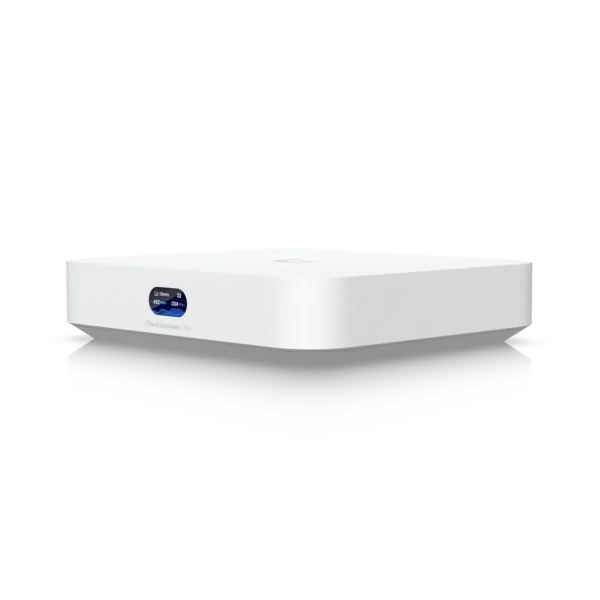 Ubiquiti UniFi Cloud Gateway Ultra UCG-ULTRACompact Gateway, 1 Gbps IPS, Multi-WANAED 518.00In stock in DubaiView product PoE+ switch
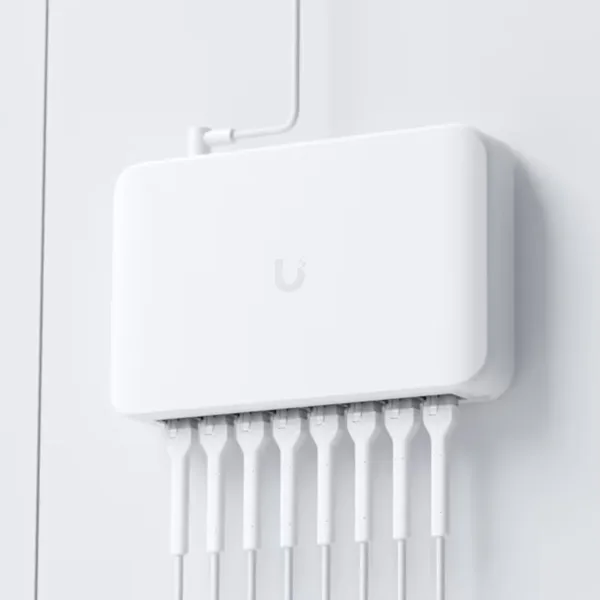 Ubiquiti UniFi USW-Lite-8-PoE Switch8x Gigabit with 4x PoE+, 52W, Managed Layer 2AED 529.00In stock in DubaiView product Wi-Fi 7 office
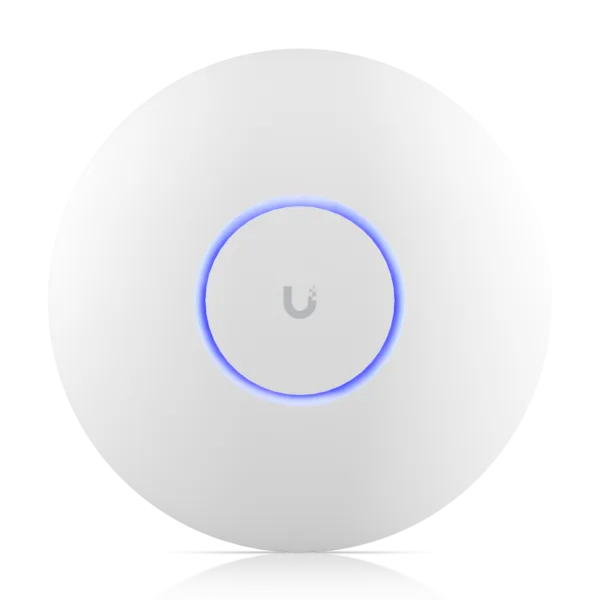 Ubiquiti UniFi U7 Pro U7-PROCeiling Wi-Fi 7 Access Point, 6 Streams, 6 GHz Original price was: AED 857.00.AED 811.00Current price is: AED 811.00.In stock in DubaiView product Wi-Fi 7 value
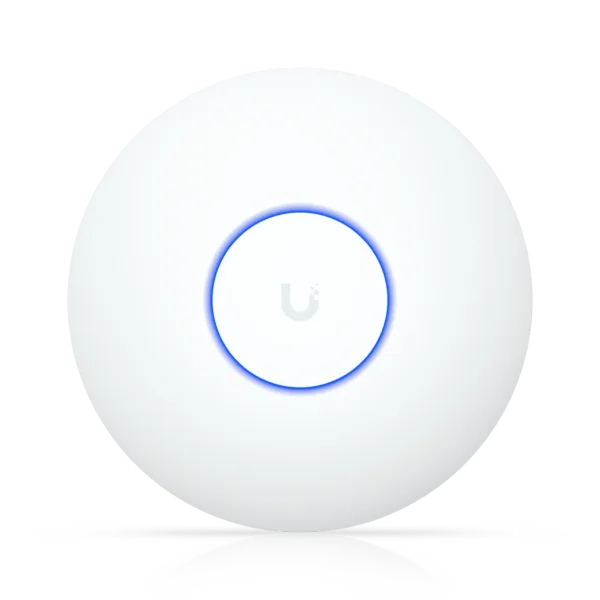 Ubiquiti UniFi U7 Lite U7-LITECeiling Wi-Fi 7 AP, 4 Streams, 2.5 GbE UplinkAED 454.00In stock in DubaiView product
Ubiquiti UniFi Cloud Gateway Ultra UCG-ULTRACompact Gateway, 1 Gbps IPS, Multi-WANAED 518.00In stock in DubaiView product PoE+ switchUbiquiti UniFi USW-Lite-8-PoE Switch8x Gigabit with 4x PoE+, 52W, Managed Layer 2AED 529.00In stock in DubaiView product Wi-Fi 7 officeUbiquiti UniFi U7 Pro U7-PROCeiling Wi-Fi 7 Access Point, 6 Streams, 6 GHz Original price was: AED 857.00.AED 811.00Current price is: AED 811.00.In stock in DubaiView product Wi-Fi 7 valueUbiquiti UniFi U7 Lite U7-LITECeiling Wi-Fi 7 AP, 4 Streams, 2.5 GbE UplinkAED 454.00In stock in DubaiView product A Cloud Gateway runs the UniFi Network application on the same box, so there is no separate controller to keep updated. See today’s prices on our Ubiquiti price list for the UAE.
Frequently asked questions
Why does my UniFi access point say Adoption Failed?
Usually because the AP is still adopted to another controller or its firmware is too old for your UniFi Network application. Factory reset the AP by holding the reset button for about 10 seconds, update the firmware if needed, and adopt it again.
How do I use set-inform on a UniFi AP?
SSH into the AP with its factory login, ui / ui on current firmware or ubnt / ubnt on older firmware, and run set-inform http://controller-IP:8080/inform. Then click Adopt in the UniFi Network application. Running the command a second time often completes a stuck adoption.
Why is my UniFi AP stuck on Adopting?
The AP knows where the controller is but cannot complete the connection. Check that TCP 8080 is open between them, that the AP has enough PoE power, and that the controller address in set-inform is correct.
Which ports does UniFi adoption need?
UDP 10001 for discovery, TCP 8080 for the device inform connection, and UDP 3478 for STUN, between the access point and the controller.
Can I adopt a UniFi AP on a different subnet?
Yes, with layer-3 adoption. Point the AP at the controller using set-inform, DHCP option 43, or a DNS record named unifi that resolves to the controller.
Does a U7 Pro need PoE+?
Yes. The U7 Pro needs PoE+ (802.3at). On a standard 802.3af port it may boot loop or fail to adopt. Check each model’s PoE class before you plan the switch.
AP still will not adopt?
Send us the model, serial number and the status you see. We will tell you whether it is a setting or a warranty case.