
No products in the cart.
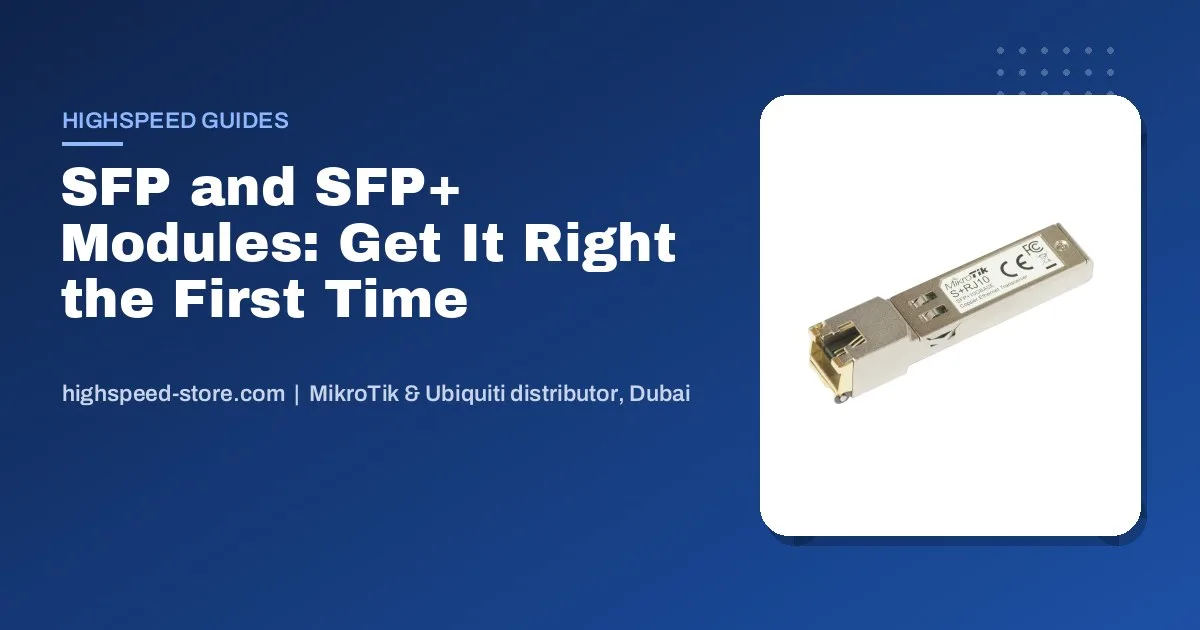
SFP modules are the small parts that cause the biggest delays on a network job. A switch arrives, the fibre is already in the riser, and the two modules ordered turn out to be multimode on a single-mode cable — or 1G on one end and 10G on the other. This guide is the checklist we run through on the counter before anyone pays for a transceiver, written so you can run it yourself.
The short answer
- Match three things on both ends: speed (1G or 10G), fibre type (single-mode or multimode) and wavelength. If any one differs, the link stays dark.
- Inside one rack: skip optics and use a DAC cable. Cheapest, coolest, no cleaning.
- Between floors or buildings: single-mode fibre with matching single-mode modules. It is what most UAE building risers are run with today.
- Copper into an SFP port: fine for a short patch, but RJ45 modules run hot — spread them out.
Asked on our WhatsApp · real buyer questions, names removed
I need the MikroTik S-RJ01 copper module, 45 pieces.Buyer enquiry
CCR2004-16G-2S+ router plus 4 pieces of 10G multimode SFP+, 300 m. Do you have both?Buyer enquiry
I am looking for a specific router and SFP. Buyer enquiry
Send us a photo of the fibre label or the patch cord colour and the switch model at the other end. We will match the module so it lights up the first time.Our usual answer
SFP, SFP+, SFP28, QSFP: what the names mean
They are all the same idea — a hot-swappable slot that takes a small module — at different speeds. The port on your switch decides the ceiling; the module decides what actually runs.
| Port | Speed | Where you meet it |
|---|---|---|
| SFP | 1 Gbps | Office switches, hEX S, uplinks to cameras and access points |
| SFP+ | 10 Gbps | CRS3xx switches, RB5009, CCR2004, UniFi Pro and Aggregation switches |
| SFP28 | 25 Gbps | CCR2216, CRS518 and data-centre gear |
| QSFP+ / QSFP28 | 40 / 100 Gbps | Core and ISP backbones |
Most SFP+ ports also accept a 1G SFP module, which is handy when the other end is older. The link simply runs at 1G. The reverse does not work: a 10G module will not run in a 1G SFP port.
Single-mode or multimode: check the cable before the module
This is where most wrong orders come from. The module has to match the glass already in the wall, so look at the cable first.
Single-mode (OS2)Usually a yellow patch cord
Runs for kilometres. Used between buildings, across compounds and up most newer UAE towers and villa communities.
Modules: 1310 nm, often marked LX, LR or with a distance like 10 km or 20 km.
Multimode (OM3 / OM4)Usually aqua or violet
Short runs, typically a few hundred metres. Common inside server rooms and older office buildings.
Modules: 850 nm, often marked SX or SR.
Counter tip: an orange patch cord is usually older multimode (OM1/OM2). It still works with 850 nm modules, but over shorter distances than OM3/OM4 — tell us if you see orange.
Also check the connector. Almost every module we sell uses LC, the small square duplex connector. If your patch panel has the bigger round ST or square SC connectors, you need a matching patch cord, not a different module.
BiDi modules: when you only have one fibre strand
A normal module needs two strands, one to send and one to receive. A BiDi module sends and receives on a single strand using two different wavelengths, so it is sold in pairs: one end transmits on one colour of light, the other end on the other. If a contractor left you one spare strand instead of two, BiDi is how you still get the link up. Install them as a pair — two identical BiDi modules facing each other will not work.
Copper modules and DAC cables
An RJ45 module lets you plug a normal Ethernet cable into an SFP or SFP+ port. The 1G version is everyday and dependable. The 10G copper version works across several speeds, which is useful, but it draws more power and gets warm. In a switch packed with them, leave empty ports between modules and make sure the rack breathes — Dubai summers in a small comms cupboard are hard on electronics.
For connections inside the same rack, a DAC (direct attach cable) is the better answer: a short cable with the module ends already fixed on. No optics to clean, almost no heat and less cost than two transceivers.
MikroTik modules or UniFi modules?
Use the switch’s own brand where you can. MikroTik modules in MikroTik switches and UniFi modules in UniFi switches report their temperature and light levels properly in the management software, which makes troubleshooting much faster. When the two ends are different brands, that is fine — the standards are the same — as long as speed, fibre type and wavelength match.
1G copper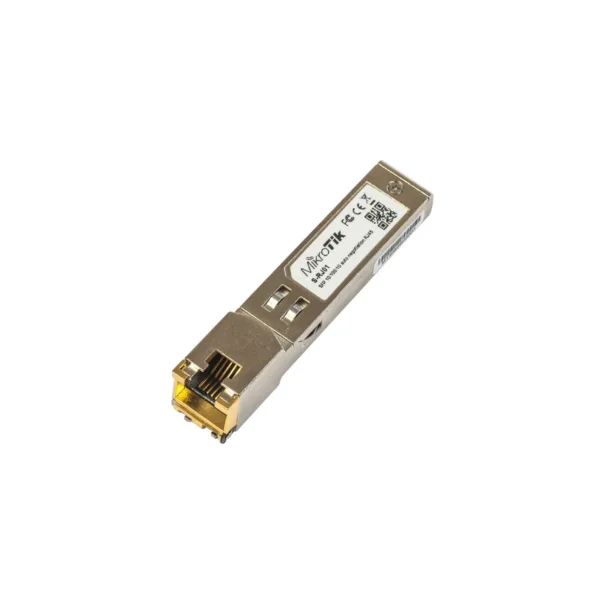 MikroTik S-RJ01 RJ45 Gigabit SFP Module10/100/1000M Copper TransceiverAED 127.00Available on orderView product 10G copper
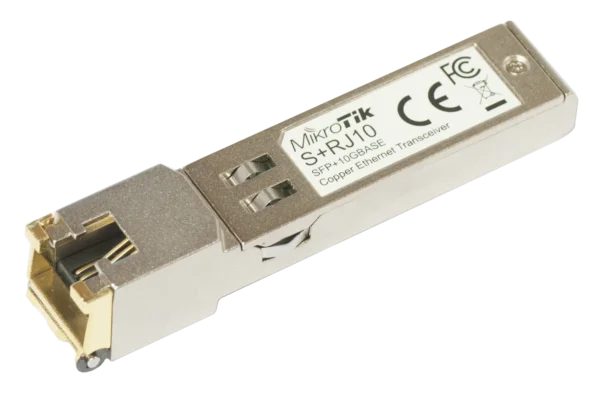 MikroTik S+RJ106-speed RJ-45 module for up to 10 GbpsAED 230.00Available on orderView product 1G multimode
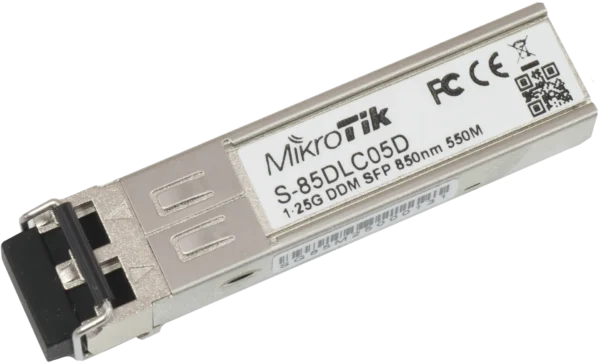 MikroTik S-85DLC05D1.25G SFP multi-mode 850 nm transceiver, LC, 550 mAED 127.00In stock in DubaiView product 1G single-mode pair
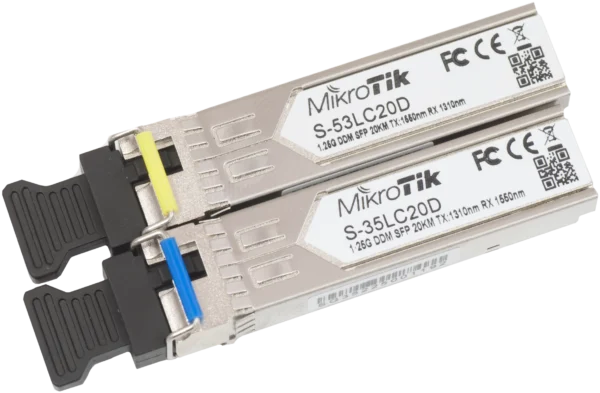 MikroTik S-3553LC20DSFP 1.25G Single-Mode Module Pair, 20 km, LCAED 288.00Available on orderView product 10G DAC
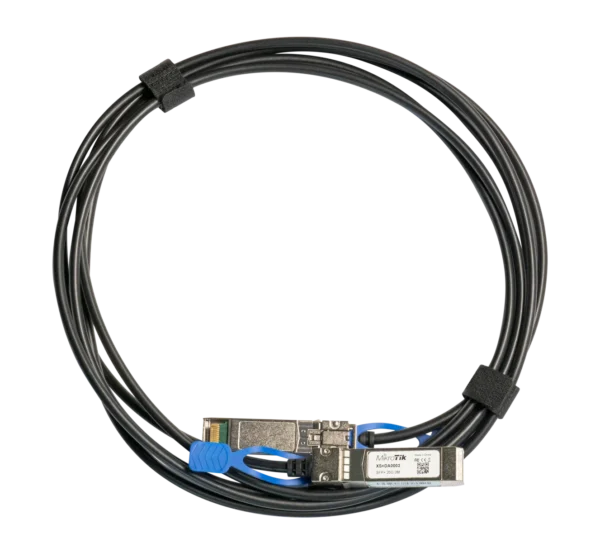 MikroTik XS+DA00033 m Direct Attach Cable, SFP/SFP+/SFP28 up to 25GAED 173.00Available on orderView product UniFi 1G multimode
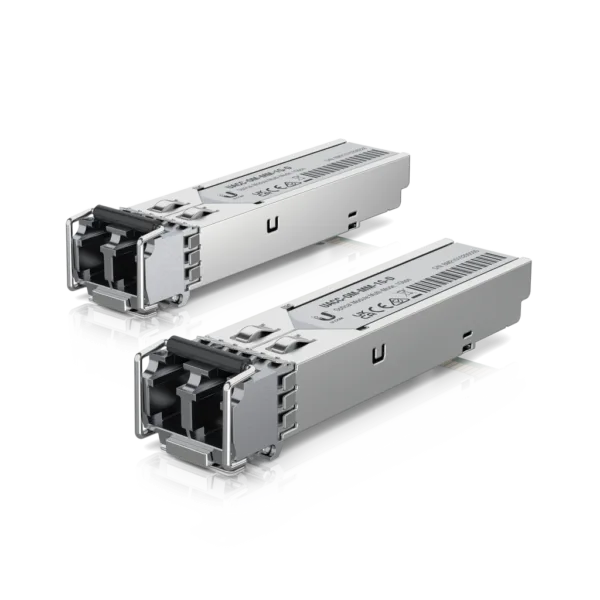 Ubiquiti 1 Gbps Multi-Mode Optical Module 2-Pack UACC-OM-MM-1G-D-21G SFP multi-mode fibre transceivers, LC connectorAED 109.00In stock in DubaiView product UniFi 10G single-mode
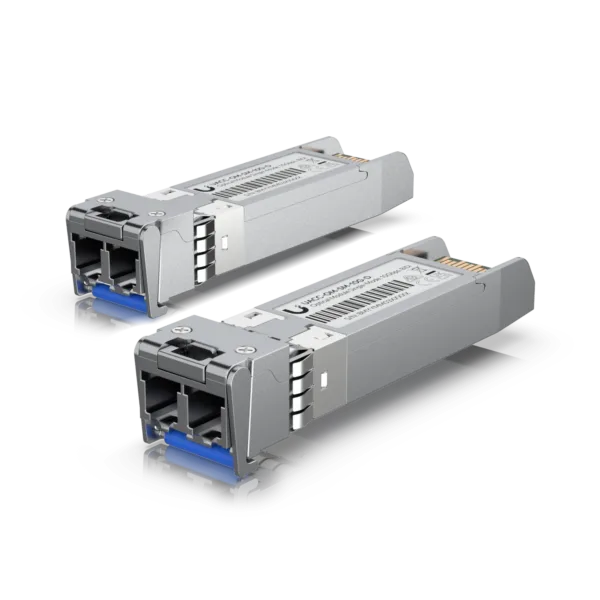 Ubiquiti 10G Single-Mode Optical Module 2-Pack UACC-OM-SM-10G-D-2SFP+ 10G, Duplex LC, up to 10 kmAED 437.00In stock in DubaiView product UniFi 10G BiDi
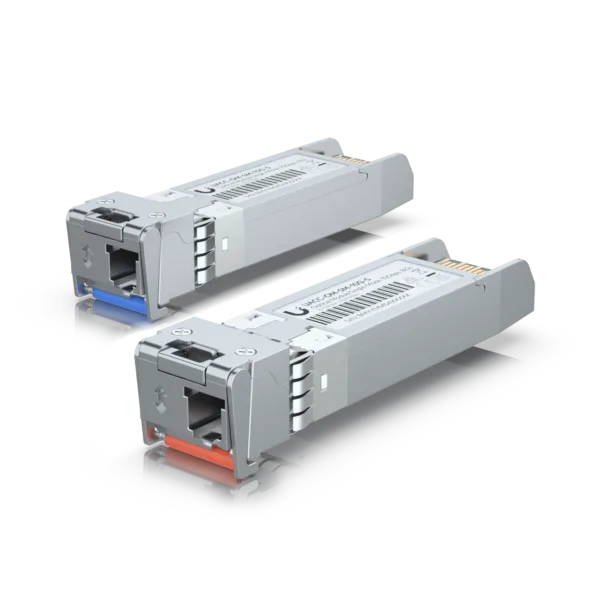 Ubiquiti 10G BiDi Single-Mode Optical Module 2-Pack UACC-OM-SM-10G-S-2SFP+ 10G, Simplex LC, up to 10 kmAED 817.00In stock in DubaiView product
MikroTik S-RJ01 RJ45 Gigabit SFP Module10/100/1000M Copper TransceiverAED 127.00Available on orderView product 10G copperMikroTik S+RJ106-speed RJ-45 module for up to 10 GbpsAED 230.00Available on orderView product 1G multimodeMikroTik S-85DLC05D1.25G SFP multi-mode 850 nm transceiver, LC, 550 mAED 127.00In stock in DubaiView product 1G single-mode pairMikroTik S-3553LC20DSFP 1.25G Single-Mode Module Pair, 20 km, LCAED 288.00Available on orderView product 10G DACMikroTik XS+DA00033 m Direct Attach Cable, SFP/SFP+/SFP28 up to 25GAED 173.00Available on orderView product UniFi 1G multimodeUbiquiti 1 Gbps Multi-Mode Optical Module 2-Pack UACC-OM-MM-1G-D-21G SFP multi-mode fibre transceivers, LC connectorAED 109.00In stock in DubaiView product UniFi 10G single-modeUbiquiti 10G Single-Mode Optical Module 2-Pack UACC-OM-SM-10G-D-2SFP+ 10G, Duplex LC, up to 10 kmAED 437.00In stock in DubaiView product UniFi 10G BiDiUbiquiti 10G BiDi Single-Mode Optical Module 2-Pack UACC-OM-SM-10G-S-2SFP+ 10G, Simplex LC, up to 10 kmAED 817.00In stock in DubaiView product The ten-second checklist before you order
- Port speed at both ends1G SFP or 10G SFP+? The slower end sets the speed.
- Fibre typeYellow is usually single-mode, aqua or violet multimode. When in doubt, send a photo of the cable label.
- Strand countTwo strands for normal modules, one strand for a BiDi pair.
- DistancePick a module rated past your run, not exactly at it.
- ConnectorLC on the module; get the right patch cord for your panel.
For the switches these modules plug into, see our PoE switch guide, and for linking two buildings without fibre at all, the point-to-point wireless guide.
Frequently asked questions
Can I use a 1G SFP module in a 10G SFP+ port?
In most MikroTik and UniFi switches, yes. The port runs at 1G. The other way round does not work: a 10G module will not run in a 1G SFP port.
Do MikroTik switches accept third-party SFP modules?
MikroTik does not lock its ports to its own modules, and standards-compliant modules generally work. Using MikroTik modules gives you reliable temperature and signal readings in RouterOS, which helps when something goes wrong.
Why is my fibre link not coming up?
Nine times out of ten it is a mismatch: single-mode module on multimode cable, different speeds at each end, two identical BiDi modules, or the transmit and receive strands crossed. Swap the two LC connectors at one end before anything else.
What is the difference between S-RJ01 and S+RJ10?
The S-RJ01 is a 1G copper module for SFP ports. The S+RJ10 is a 10G copper module for SFP+ ports that also runs at lower speeds. The S+RJ10 runs much warmer, so space them out in a busy switch.
Do you sell SFP modules in bulk?
Yes. We supply MikroTik and Ubiquiti modules in project quantities from Dubai with a UAE VAT invoice. Send the models and quantities on WhatsApp for a price.
Not sure which module?
Send a photo of the cable label and the switch model at each end. We will match it before you pay.