
No products in the cart.
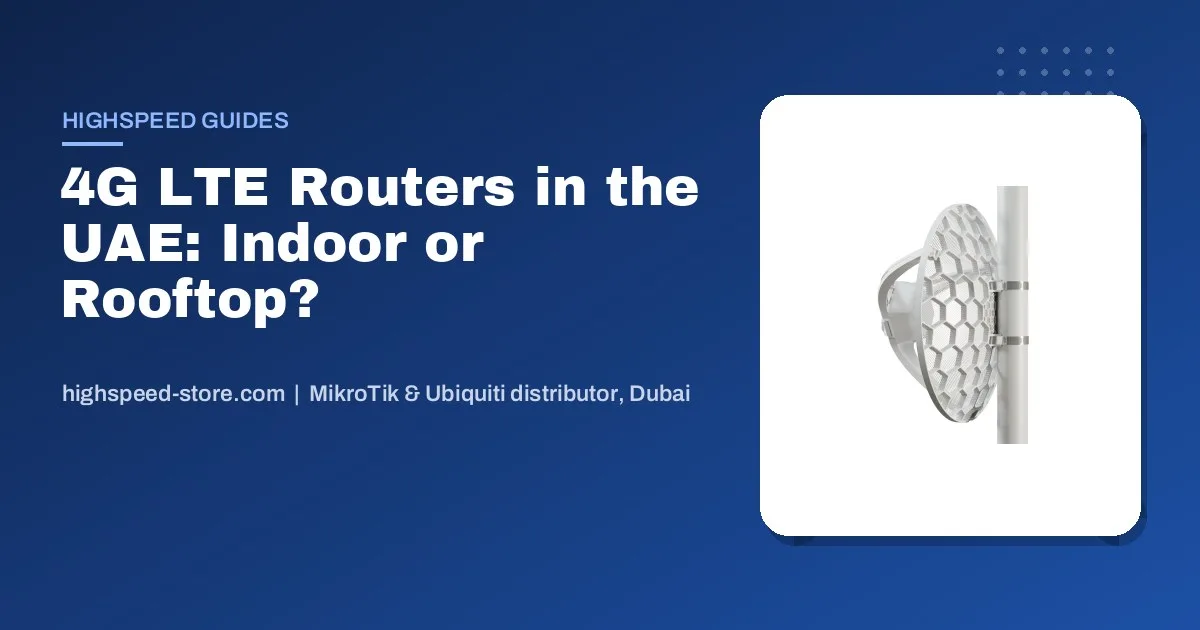
If a site in the UAE has no fibre yet — a villa under construction, a labour camp, a farm in Al Ain, a kiosk in a mall, a desert camp — a 4G LTE router is how it gets online this week instead of in three months. It is also the cheapest insurance an office can buy against a fibre cut. This guide is built from the LTE questions buyers actually send us on WhatsApp, and it answers the one that matters most: which box, for which signal.
The short answer
- Good signal indoors (shop, apartment, office backup): an all-in-one LTE router such as the MikroTik Chateau or the hAP ax lite LTE6.
- Weak signal or a site out of town: put the modem on the roof. An outdoor LTE unit like the SXT LTE6 or LHG LTE feeds the building over one PoE cable, and the difference is usually dramatic.
- Machines, cameras and kiosks: the compact wAP LTE kit or LtAP mini — small, weatherproof, cheap to deploy by the dozen.
- Check the modem covers LTE bands 1, 3, 7 and 20 — the bands e& and du run 4G on. Every unit in this guide does.
Asked on our WhatsApp · real buyer questions, names removed
Do you have 40 pieces of the wAP LTE kit in stock? We will buy in batches, 20 first.Buyer enquiry
LHG LTE kit, 8 pcs available?Buyer enquiry
Do you have the LHG 5G or ATL 5G?Buyer enquiry
Yes on the 4G kits — and before you order, tell us where the site is and how many bars a phone gets there. That decides indoor or rooftop.Our usual answer
Start with the signal, not the router
The most common LTE mistake we see is buying an indoor router for a building where the phone already struggles. An indoor router has small internal antennas sitting behind concrete, tinted glass and, in many UAE villas, a lot of steel. It cannot do better than the signal that reaches it.
The fix is simple and cheap: move the modem outside. An outdoor LTE unit mounted on the roof parapet or a pole sees the tower with a clear path and passes the internet down to the building over a single Ethernet cable that also carries its power. On sites in Mussafah, Jebel Ali and the farms around Al Ain, that one change is often the difference between a connection that drops every evening and one nobody thinks about.
Quick field test: stand where the router will go and run a speed test on a phone with the same operator’s SIM. Then do the same on the roof. If the roof is clearly better, buy an outdoor unit. If both are strong, an indoor router is fine.
Which MikroTik LTE model for which job
Indoor, good signalShops, flats, office backup
All-in-one router with Wi-Fi and the modem inside. Plug in a SIM, done.
Chateau LTE12 / LTE18 ax, hAP ax lite LTE6
Rooftop, weak signalVillas, camps, farms, sites
Outdoor modem with a directional antenna, powered over Ethernet from inside.
SXT LTE6, SXT LTE7, LHGG LTE6, LHG LTE18
Small and manyCameras, kiosks, IoT, vehicles
Compact weatherproof units you can deploy by the dozen.
wAP LTE kit, LtAP mini LTE kit
Here is the current line-up we carry, with today’s price and stock pulled live from the store:
Home and shop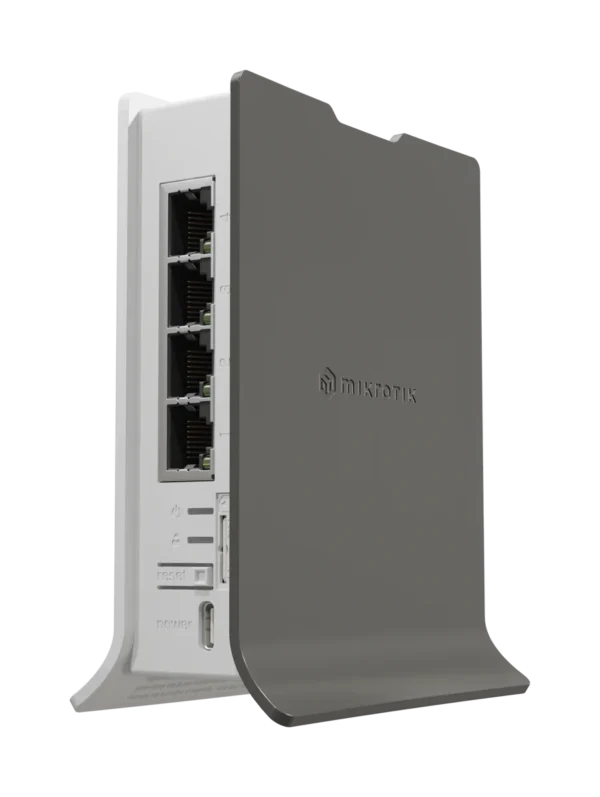 MikroTik hAP ax lite LTE6 L41G-2axD&FG621-EALTE Cat 6 Home Router, 2.4 GHz Wi-Fi 6 Original price was: AED 437.00.AED 426.00Current price is: AED 426.00.In stock in DubaiView product Indoor Cat 12
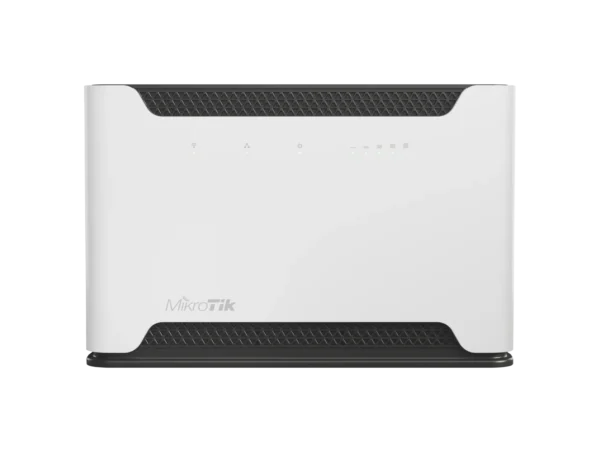 MikroTik Chateau LTE12 RBD53G-5HacD2HnD-TC&EG12-EALTE Cat 12 Dual-Band RouterAED 794.00Available on orderView product Indoor Wi-Fi 6
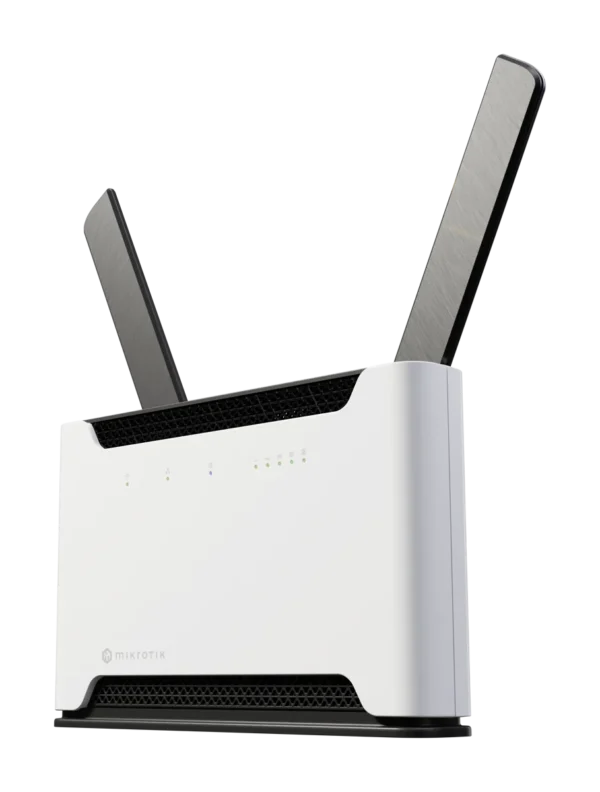 MikroTik Chateau LTE18 ax S53UG+5HaxD2HaxD-TC&EG18-EALTE Cat 18 Wi-Fi 6 RouterAED 943.00Available on orderView product Rooftop
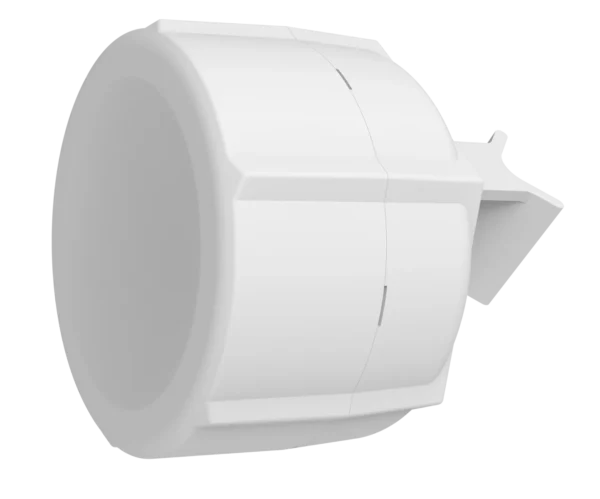 MikroTik SXT LTE6 kit SXTR&FG621-EAOutdoor LTE Cat 6 CPE for Remote AreasAED 460.00Available on orderView product Rooftop high gain
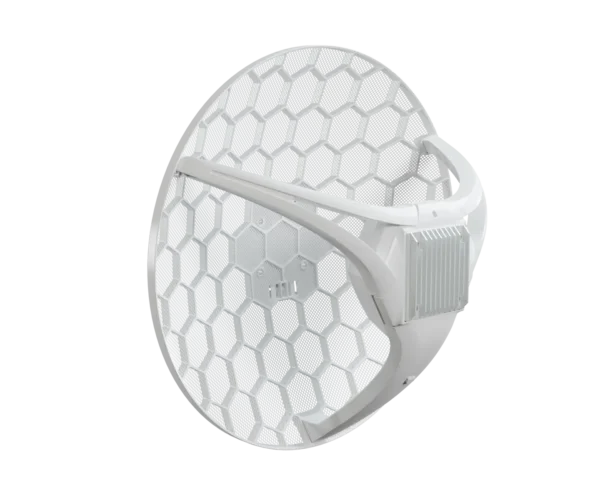 MikroTik LHGG LTE6 kit LHGGR&FG621-EAOutdoor LTE Cat 6 CPE, 17 dBi, GigabitAED 604.00Available on orderView product Rooftop fastest
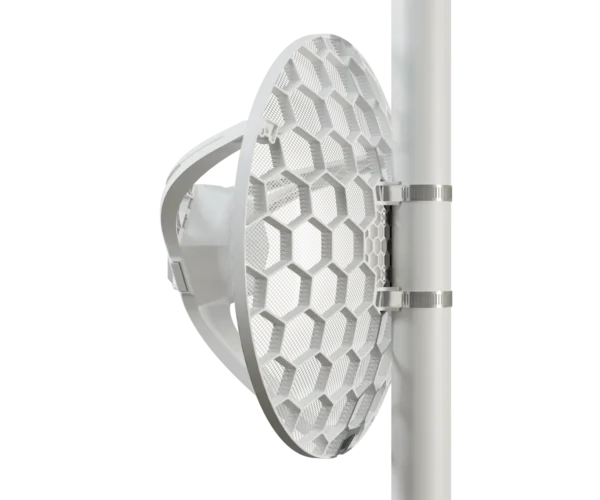 MikroTik LHG LTE18 kit LHGGM&EG18-EAOutdoor LTE Cat 18 CPE, Up to 1 GbpsAED 1,024.00Available on orderView product Small and rugged
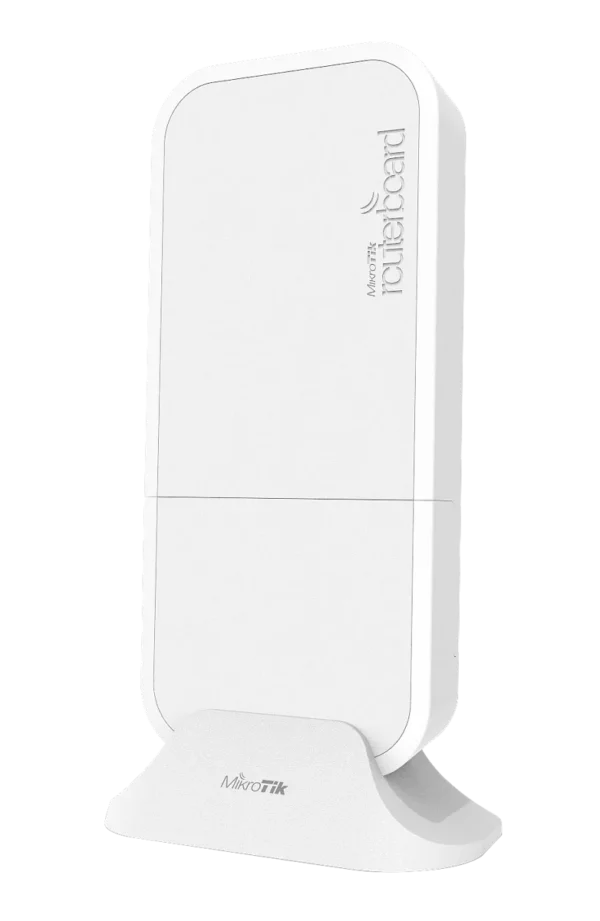 MikroTik wAP LTE kit wAPR-2nD&EC200A-EUWeatherproof 2.4 GHz AP with LTE ModemAED 397.00In stock in DubaiView product Smallest
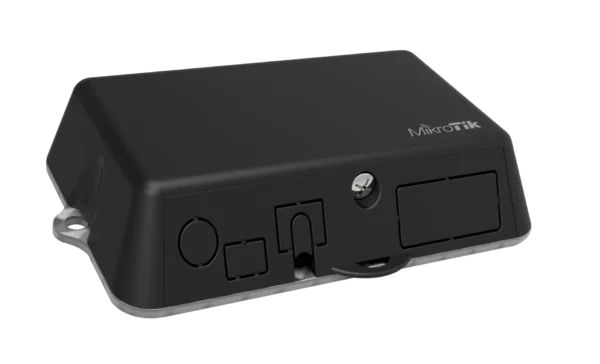 MikroTik LtAP mini LTE kit RB912R-2nD-LTm&EC200A-EUWeatherproof 2.4 GHz AP, LTE, GPSAED 368.00Available on orderView product
MikroTik hAP ax lite LTE6 L41G-2axD&FG621-EALTE Cat 6 Home Router, 2.4 GHz Wi-Fi 6 Original price was: AED 437.00.AED 426.00Current price is: AED 426.00.In stock in DubaiView product Indoor Cat 12MikroTik Chateau LTE12 RBD53G-5HacD2HnD-TC&EG12-EALTE Cat 12 Dual-Band RouterAED 794.00Available on orderView product Indoor Wi-Fi 6MikroTik Chateau LTE18 ax S53UG+5HaxD2HaxD-TC&EG18-EALTE Cat 18 Wi-Fi 6 RouterAED 943.00Available on orderView product RooftopMikroTik SXT LTE6 kit SXTR&FG621-EAOutdoor LTE Cat 6 CPE for Remote AreasAED 460.00Available on orderView product Rooftop high gainMikroTik LHGG LTE6 kit LHGGR&FG621-EAOutdoor LTE Cat 6 CPE, 17 dBi, GigabitAED 604.00Available on orderView product Rooftop fastestMikroTik LHG LTE18 kit LHGGM&EG18-EAOutdoor LTE Cat 18 CPE, Up to 1 GbpsAED 1,024.00Available on orderView product Small and ruggedMikroTik wAP LTE kit wAPR-2nD&EC200A-EUWeatherproof 2.4 GHz AP with LTE ModemAED 397.00In stock in DubaiView product SmallestMikroTik LtAP mini LTE kit RB912R-2nD-LTm&EC200A-EUWeatherproof 2.4 GHz AP, LTE, GPSAED 368.00Available on orderView product For the outdoor units, pair them with a router inside if you need more than a handful of devices — the hAP ax series works well, or the hEX for a wired-only setup. One PoE cable up to the roof, one router inside, and the whole building is online.
Cat 4, Cat 6, Cat 18: what the number really means
The LTE category is the modem’s top theoretical speed. Cat 4 tops out around 150 Mbps, Cat 6 around 300 Mbps, Cat 12 and Cat 18 higher still. The catch is that the higher categories only deliver when the tower supports carrier aggregation — combining several bands at once — and when the signal is clean.
| Category | Peak download | Where it makes sense |
|---|---|---|
| Cat 4 | ~150 Mbps | Cameras, POS, kiosks, light office backup |
| Cat 6 / 7 | ~300 Mbps | Villas, small sites, camps on a budget |
| Cat 12 | ~600 Mbps | Offices using LTE as a second main line |
| Cat 18 | ~1.2 Gbps | Strong urban signal, heavy users, many devices |
Our honest advice: on a weak site, a Cat 6 outdoor unit with a clear view of the tower will beat a Cat 18 indoor router every time. Spend on placement before you spend on category.
Using LTE as backup for your fibre line
For offices, this is the most underrated setup in the UAE. Keep your e& or du fibre as the main line and add an LTE unit as a second WAN on a MikroTik router. When the fibre drops — a road works cut, a modem failure, a weekend outage — RouterOS switches traffic to LTE automatically and switches back when fibre returns. Card machines keep working, phones keep ringing, nobody calls you.
- Fibre into WAN 1Keep your provider’s line exactly as it is.
- LTE unit into WAN 2Any model above; a data SIM on a business plan is enough.
- Set route distance or recursive checkRouterOS pings a public address through fibre and fails over when it stops answering. We set this up as part of a project order.
- Test itPull the fibre cable once and watch the LTE take over.
Reaching the site remotely
Mobile operators usually put SIMs behind shared addresses, so you cannot simply type an IP to reach a camera or router on site. There are clean ways around it: MikroTik’s own cloud services and VPN features in RouterOS 7, a WireGuard tunnel to your office router, or a business SIM with a public IP from your operator. Ask us which fits — it depends on what you want to reach.
What about 5G?
MikroTik does make 5G units, and we get asked for them. 4G covers most needs in the UAE today, and outdoor 4G on a good mount often matches indoor 5G in real use. If your site sits next to strong 5G coverage and you need the extra headroom, message us — 5G models are supplied to order.
Frequently asked questions
Will MikroTik LTE routers work with e& and du SIMs?
Yes. 4G in the UAE runs mainly on LTE bands 1, 3, 7 and 20, and every MikroTik LTE model in this guide supports them. Use a normal data SIM; business plans give better support and the option of a public IP.
Indoor or outdoor LTE router — which should I buy?
If a phone gets full bars where the router will sit, indoor is fine. If the signal is weak, inside a basement or behind heavy concrete, buy an outdoor unit for the roof. It is the single biggest improvement you can make.
Can one LTE router serve a whole labour camp or villa?
One outdoor LTE unit can feed the internet, but coverage comes from access points spread across the building. For larger sites, combine an outdoor LTE unit with a proper router and several access points, or two LTE lines for more capacity.
Do you sell LTE routers in bulk for projects?
Yes. We supply installers and contractors in project quantities from Dubai stock or to order, with a UAE VAT invoice. Send the model and quantity on WhatsApp for a price.
Is a 4G router good enough for CCTV?
For a few cameras recording locally to an NVR with occasional remote viewing, yes. Constant high-resolution uploading from many cameras needs more upload capacity than most LTE plans give, so record on site and stream only when needed.
Tell us about your site
Send the location and how many bars a phone gets there. We will recommend indoor or rooftop and quote from Dubai stock.