
No products in the cart.
Wi-Fi in a labour camp or staff accommodation is not a nice-to-have. For the people living there it is the video call home after a twelve-hour shift, and for the operator it is one of the first things residents complain about. It is also a network unlike an office: hundreds of phones, everyone online at the same hour, concrete blocks, open courtyards and very little budget. This guide is how we would build it, based on the camp and accommodation projects that come across our counter.
The short answer
- Plan for the evening peak, not the average. Most residents are online between the end of the shift and midnight.
- Put access points close to people — in corridors or rooms, not one big antenna on the roof. Concrete stops Wi-Fi.
- Share the bandwidth fairly. A MikroTik router can give every phone an equal slice, so one person streaming cannot slow down everyone else.
- Use a hotspot login with vouchers or per-room accounts, so you know who is connected and can switch off abuse.
Asked on our WhatsApp · real buyer questions, names removed
I want a MikroTik routerboard that can be used for a labour camp.Buyer enquiry
Do you have extenders that cover about 2 km away, 360 degrees?Buyer enquiry
Usually the better answer is more small access points close to the rooms, and one strong router in the middle sharing the line fairly. Tell us how many blocks and rooms.Our usual answer
Plan for the evening peak
An office network is busy from nine to five and quiet otherwise. A camp is the opposite: quiet all day while people are on site, then almost everyone online together in the evening and on the weekly day off. Video calls dominate — a WhatsApp or IMO video call needs roughly one megabit each way, and the calls run long.
That makes the internet line the first thing to size. Count the residents you expect online at the same time in the evening, not the total, and make sure the line from e& or du can carry those calls with headroom. If fibre is not in yet, an outdoor LTE unit can bridge the gap — see our 4G LTE router guide — and a second line later adds capacity as the camp fills.
Where the access points go
The request we hear most is for one powerful antenna that covers the whole camp. It sounds efficient, but it fails for a simple reason: the phones are the weak side of the conversation. A rooftop antenna can shout across the compound, but a phone inside a concrete room cannot shout back. Coverage has to come from inside the blocks.
CorridorsThe usual answer
A ceiling access point every few rooms along each corridor, cabled back to a PoE switch per floor.
cAP ax
Per roomThick walls, best experience
A small low-cost access point inside each room. More units, but every resident gets a clean signal.
hAP lite class routers in AP mode
CourtyardsWhere people gather outside
Outdoor sector or wall-mount access points on the block facing the courtyard.
wAP ax, mANTBox ax
MikroTik’s CAPsMAN feature lets the main router manage every access point from one screen — one Wi-Fi name, one password policy, and you can see which block is overloaded without walking the site.
Fair sharing and hotspot login
Without limits, a handful of people downloading films can make the network useless for everyone else at exactly the hour it matters. RouterOS solves this with per-user queues: the line is divided evenly among whoever is active, automatically, so twenty people get a twentieth each and two hundred get a two-hundredth each.
On top of that, the built-in hotspot gives you a login page. You can issue vouchers, give each room its own account, set a speed per user and see who is connected. It also gives you a way to cut off a misbehaving device without changing the password for the whole camp.
Before you charge residents: if the plan is to sell access rather than include it in the accommodation, speak to your e& or du business account manager first about what your connection and licence allow.
Suggested kits by camp size
These are starting points we would quote from. Every site is different, so send us the layout before ordering.
| Camp size | Router | Switching | Access points |
|---|---|---|---|
| Small block, up to ~100 residents | L009 or hEX S | One PoE switch per floor | cAP ax in corridors or per-room APs |
| Medium, ~100–500 residents | RB5009 | CRS328-24P PoE switch per block | cAP ax corridors, wAP ax courtyard |
| Large or multi-block, 500+ | CCR2004 | 10G fibre between blocks, netPower outdoor switches | cAP ax, mANTBox ax for open areas |
Small camp router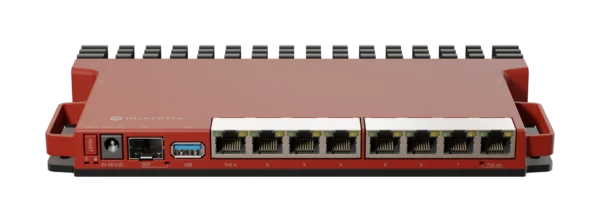 MikroTik L009UiGS-RM8x Gigabit Rackmount Router, 2.5G SFP, RouterOS v7AED 403.00In stock in DubaiView product Medium camp router
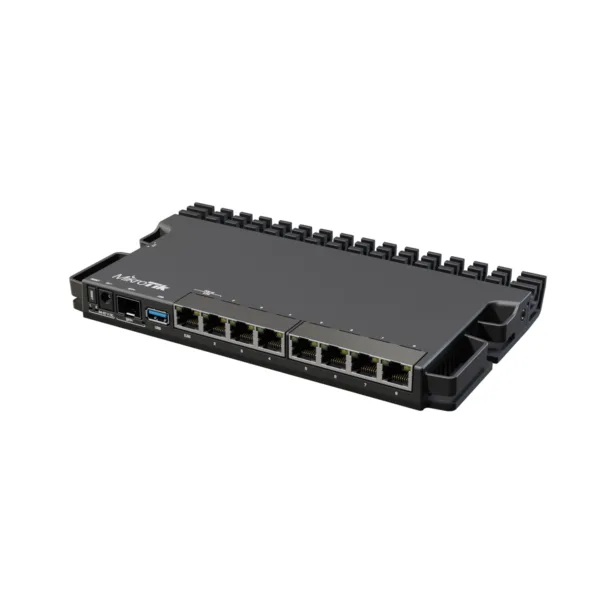 MikroTik RB5009UG+S+IN Router7x Gigabit, 1x 2.5GbE, 10G SFP+, USB 3.0, 1GB RAMAED 759.00In stock in DubaiView product Large camp router
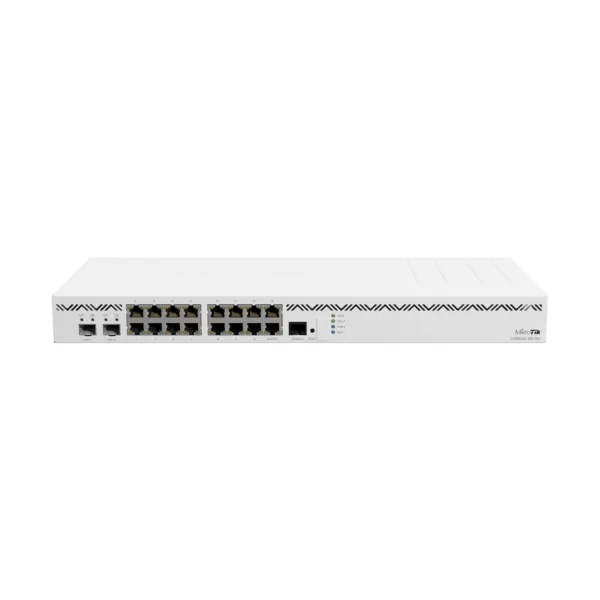 MikroTik CCR2004-16G-2S+ Cloud Core Router16x Gigabit, 2x 10G SFP+, 4-Core ARM64 Original price was: AED 1,732.00.AED 1,645.00Current price is: AED 1,645.00.In stock in DubaiView product PoE per block
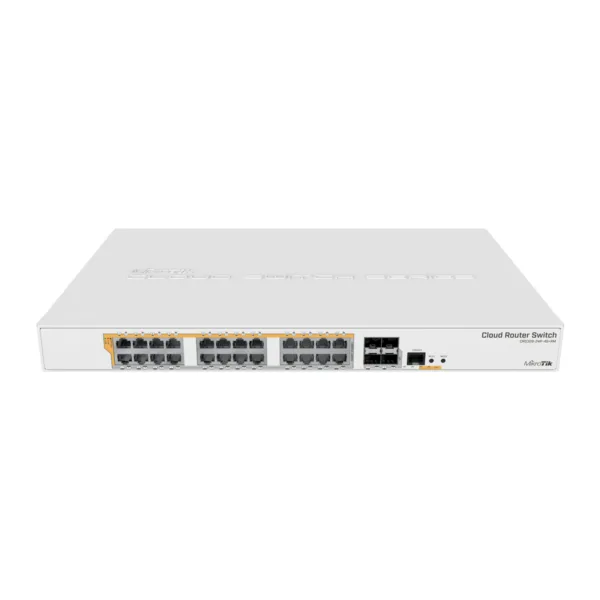 MikroTik CRS328-24P-4S+RM PoE Switch24x Gigabit PoE Out, 4x 10G SFP+, RackmountAED 1,955.00In stock in DubaiView product Outdoor PoE switch
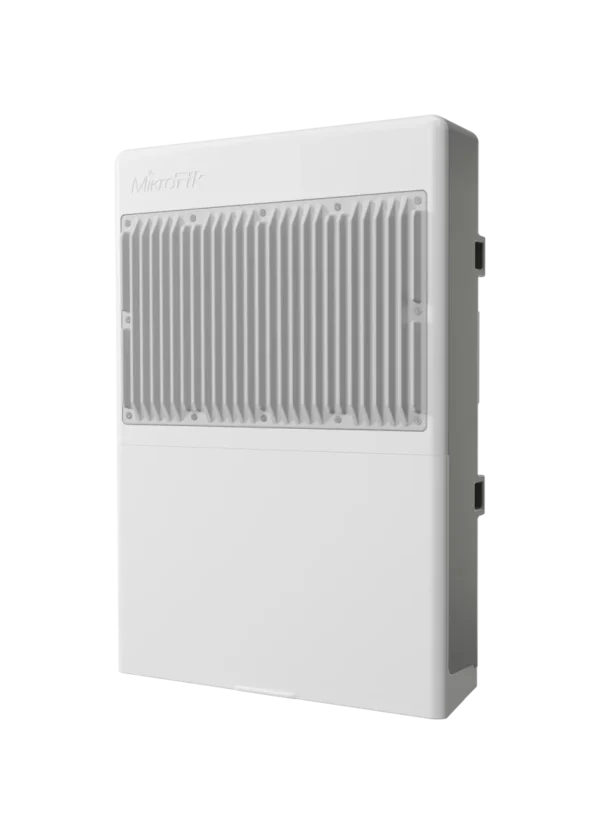 MikroTik netPower 16P CRS318-16P-2S+OUTOutdoor Switch, 16x Gigabit PoE-out, 2x SFP+ Original price was: AED 1,035.00.AED 978.00Current price is: AED 978.00.In stock in DubaiView product Corridor AP
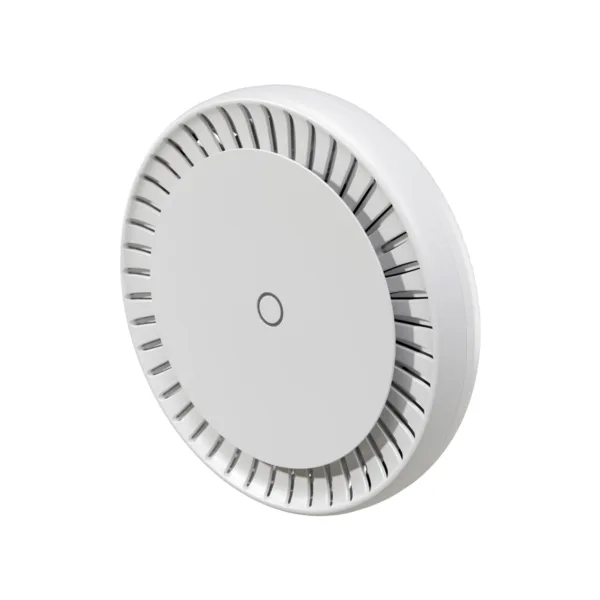 MikroTik cAP ax cAPGi-5HaxD2HaxD WiFi 6 Ceiling Access PointDual-Band AX1800, 2x Gigabit PoEAED 460.00In stock in DubaiView product Wall and courtyard
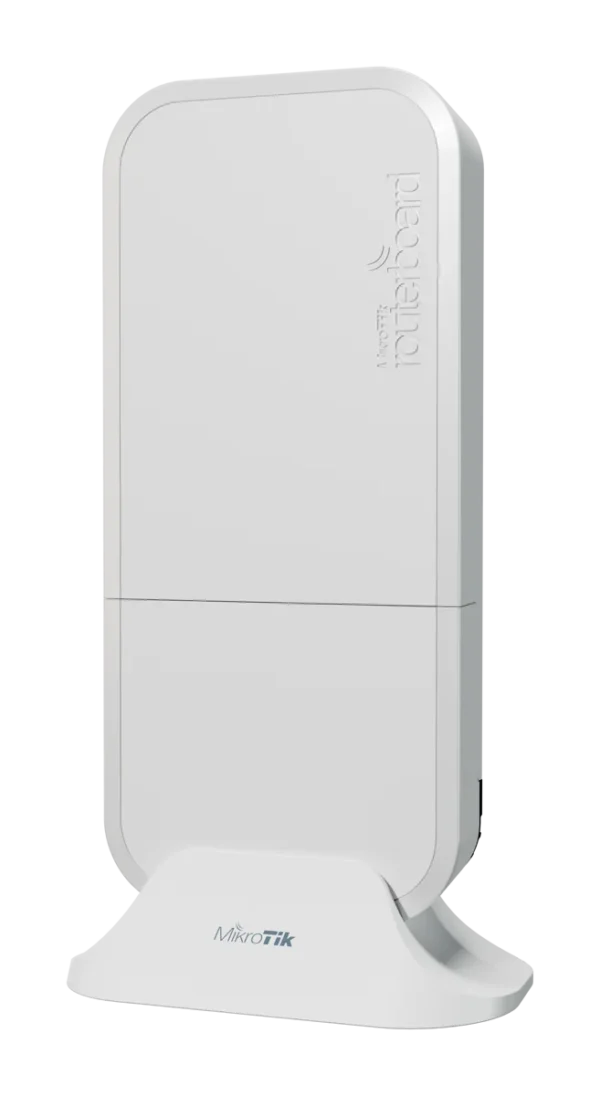 MikroTik wAP ax wAPG-5HaxD2HaxDOutdoor Dual-Band Wi-Fi 6 Access PointAED 345.00Available on orderView product Courtyard sector
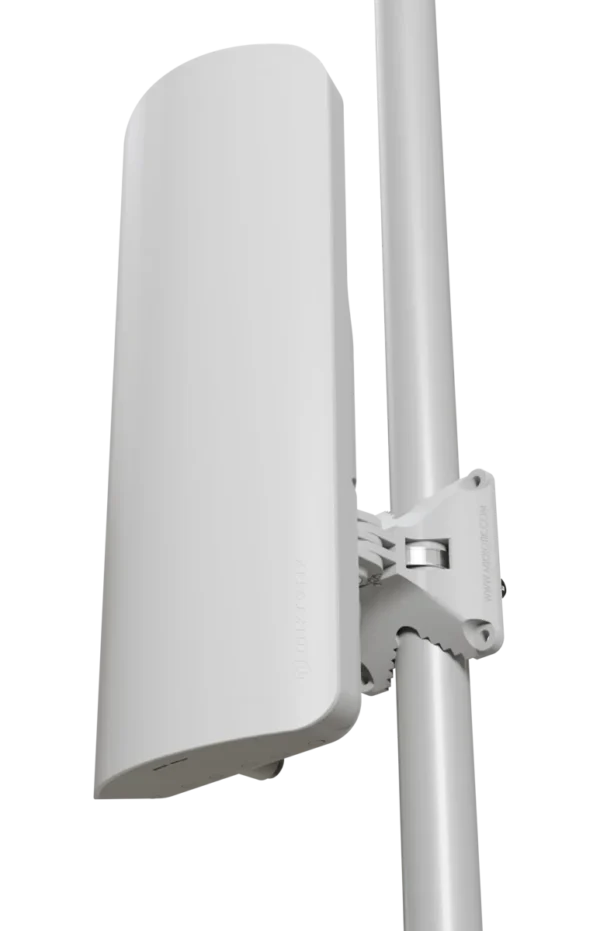 MikroTik mANTBox ax 15s L22UGS-5HaxD2HaxD-15SDual-Band Wi-Fi 6 Sector AP, 15 dBiAED 598.00In stock in DubaiView product
MikroTik L009UiGS-RM8x Gigabit Rackmount Router, 2.5G SFP, RouterOS v7AED 403.00In stock in DubaiView product Medium camp routerMikroTik RB5009UG+S+IN Router7x Gigabit, 1x 2.5GbE, 10G SFP+, USB 3.0, 1GB RAMAED 759.00In stock in DubaiView product Large camp routerMikroTik CCR2004-16G-2S+ Cloud Core Router16x Gigabit, 2x 10G SFP+, 4-Core ARM64 Original price was: AED 1,732.00.AED 1,645.00Current price is: AED 1,645.00.In stock in DubaiView product PoE per blockMikroTik CRS328-24P-4S+RM PoE Switch24x Gigabit PoE Out, 4x 10G SFP+, RackmountAED 1,955.00In stock in DubaiView product Outdoor PoE switchMikroTik netPower 16P CRS318-16P-2S+OUTOutdoor Switch, 16x Gigabit PoE-out, 2x SFP+ Original price was: AED 1,035.00.AED 978.00Current price is: AED 978.00.In stock in DubaiView product Corridor APMikroTik cAP ax cAPGi-5HaxD2HaxD WiFi 6 Ceiling Access PointDual-Band AX1800, 2x Gigabit PoEAED 460.00In stock in DubaiView product Wall and courtyardMikroTik wAP ax wAPG-5HaxD2HaxDOutdoor Dual-Band Wi-Fi 6 Access PointAED 345.00Available on orderView product Courtyard sectorMikroTik mANTBox ax 15s L22UGS-5HaxD2HaxD-15SDual-Band Wi-Fi 6 Sector AP, 15 dBiAED 598.00In stock in DubaiView product For blocks that are far apart with no cable between them, a short point-to-point wireless link can join them to the main router — our point-to-point guide covers how to pick one. And if budget is tight on per-room units, ask about the MikroTik hAP RB951Ui-2nD: we hold deep stock of it, and as a simple 2.4 GHz access point in a small room it does the job well.
Mistakes we see on camp networks
- One big antenna for everythingPhones cannot reach it back. Put APs inside the blocks.
- A home router at the coreIt works on day one and collapses when the camp fills. Size the router for the peak.
- No bandwidth limitsA few heavy users ruin it for all. Use per-user queues from the start.
- Cheap unshielded cable in the sunOutdoor runs between blocks need outdoor-rated cable and surge protection.
- Nobody can see the networkUse CAPsMAN and the hotspot so the facilities team can spot problems before residents complain.
Frequently asked questions
What is the best router for a labour camp in the UAE?
For a medium camp, a MikroTik RB5009 handles hotspot login and fair sharing for several hundred users comfortably. Small blocks can use an L009 or hEX S, and large multi-block sites should step up to a CCR2004.
Can one outdoor antenna cover a whole camp?
Rarely. A powerful antenna can reach far, but phones inside concrete rooms cannot transmit back to it. Access points inside the blocks, in corridors or rooms, give far more reliable coverage.
How do I stop a few users using all the internet?
Use per-user queues on a MikroTik router. They divide the available bandwidth evenly among active users, so nobody can take more than a fair share at peak time.
Can residents log in with vouchers?
Yes. MikroTik’s built-in hotspot supports vouchers, per-room accounts and per-user speed limits, all managed from the main router.
Do you supply complete camp kits?
Yes. We supply routers, PoE switches, access points and cabling accessories in project quantities from Dubai, with a UAE VAT invoice. Send the camp layout and resident count on WhatsApp for a quote.
Planning a camp network?
Send the number of blocks, rooms and residents. We will put together a kit list and quote from Dubai stock.