No products in the cart.
Ubiquiti does not use one default password for everything, which is why so many logins fail. A factory-fresh UniFi access point or switch answers SSH with ui / ui on current firmware and ubnt / ubnt on older firmware. airMAX radios such as LiteBeam and NanoStation sit at 192.168.1.20 with ubnt / ubnt. Dream Machines and Cloud Gateways have no usable default at all: you create the account during setup. This guide sorts it out device by device, the way we do it on our Bur Dubai counter.
The short answer
- UniFi APs and switches (not yet adopted): SSH user ui, password ui. Older firmware: ubnt / ubnt. Try both.
- After adoption: the old default stops working. Your controller sets new SSH credentials (see Step 3).
- airMAX (LiteBeam, NanoStation, PowerBeam): https://192.168.1.20, user ubnt, password ubnt. airOS 8 makes you set a new password on first login.
- EdgeRouter: 192.168.1.1 on eth0, ubnt / ubnt.
- Dream Machine, Dream Router, Cloud Gateway: no default password. Set it up in the UniFi app or at 192.168.1.1.
- Still locked out? A factory reset brings back the defaults (Step 4).
Default login by device family
| Device family | Default address | Default login | Notes |
|---|---|---|---|
| UniFi access points (U6, U7, AC) and UniFi switches | Gets an address from DHCP; falls back to 192.168.1.20 if there is no DHCP server | SSH: ui / ui (current firmware) or ubnt / ubnt (older firmware) | Only valid before adoption. Managed from the UniFi Network app, not a web page on the AP. |
| UniFi consoles: Dream Machine, Dream Router, Cloud Gateway | 192.168.1.1 on the LAN side | None. You create the owner account at setup. | SSH user is root, with the password you set in the console’s SSH settings. |
| airMAX: LiteBeam, NanoStation, PowerBeam, NanoBeam | 192.168.1.20 (static) | ubnt / ubnt | Open https://192.168.1.20. airOS 8 forces a new password and country selection on first login. |
| EdgeRouter | 192.168.1.1 on eth0 | ubnt / ubnt | Set your laptop to a static 192.168.1.x address first. |
Why ui and ubnt both exist: Ubiquiti moved newer UniFi firmware from ubnt to ui as the factory SSH login. A unit that sat in a warehouse on old firmware may still answer to ubnt. If one fails, try the other before you reset anything.
Step 1: Find the device on your network
- Power it properlyMost UniFi access points run on PoE. Wi-Fi 7 models generally need PoE+ (802.3at); an underpowered port can leave the AP rebooting, which looks exactly like a login problem. Check the PoE class on the product page before blaming the password.
- Look up its IPOn a network with a router handing out addresses, the AP takes a DHCP address. Find it in your router’s DHCP list, or use the UniFi app’s device discovery. With no DHCP, UniFi devices fall back to 192.168.1.20.
- For airMAX and EdgeRouter, set a static addressGive your laptop 192.168.1.100 with mask 255.255.255.0, then open https://192.168.1.20 (airMAX) or https://192.168.1.1 (EdgeRouter). Accept the browser’s certificate warning: the device uses a self-signed certificate.
- Log inUse the default from the table above for that family.
Step 2: Log in over SSH (UniFi APs and switches)
A UniFi access point has no web page of its own. Before adoption you only reach it over SSH, which is mainly useful for pointing it at your controller:
- Open a terminalOn Windows use PowerShell or PuTTY; on macOS or Linux use Terminal.
- ConnectType
ssh ui@192.168.1.20(replace the IP with the one you found) and enter the password ui. If it is refused, tryssh ubnt@<IP>with ubnt. - Point it at your controller if neededRun
set-inform http://<controller-IP>:8080/inform. Our UniFi adoption troubleshooting guide covers this in detail.
Step 3: The password changed after adoption
This is the most common surprise. The moment a device is adopted, the controller replaces the factory login with its own device SSH credentials, shared by every device on that site. ui / ui will no longer work, and that is by design.
To find them, open the UniFi Network application and go to Settings → System → Advanced → Device SSH Authentication (menu names move a little between Network versions; search “SSH” in Settings if you cannot see it). The username and password shown there are what your adopted APs and switches now accept.
Bought a used unit? If it is still adopted to someone else’s controller, it will not accept any default and it will not show up for adoption in yours. Ask the seller to remove it from their site, or factory reset it.
Step 4: Factory reset when nothing works
A reset wipes the configuration and brings back the factory login. You will need to adopt the device again afterwards.
UniFi APs and switchesReset button
With the device powered on, press and hold the reset button for about 10 seconds until the LED changes, then release. If you still have SSH access, set-default does the same job.
airMAX radiosReset button
Hold the reset button (on the unit or the PoE adapter, depending on model) for about 10 seconds while powered, until the signal LEDs cycle. It returns to 192.168.1.20 with ubnt / ubnt.
Consoles and gatewaysThink first
Resetting a Dream Machine or Cloud Gateway erases the whole site: Wi-Fi networks, cameras and settings. Use a backup, or recover the owner account through your UI account, before you press the button.
Once you are back in, change the defaults straight away. Our network lockdown guide for MikroTik and UniFi lists the seven settings we change on every install.
Password still refused? Quick checklist
| What you see | Most likely cause | Fix |
|---|---|---|
| ui / ui and ubnt / ubnt both rejected on an AP | The AP is already adopted | Use the site’s Device SSH credentials, or reset it |
| 192.168.1.20 does not open | Your laptop is on a different subnet, or the device took a DHCP address | Set a static 192.168.1.100, or look up the DHCP lease |
| Browser shows a security warning | Self-signed certificate on the device | Normal for airMAX and EdgeRouter; continue to the site |
| AP keeps rebooting | Not enough PoE power | Use a PoE+ port or the correct injector |
| Dream Machine asks for an account | Consoles have no default password | Sign in with the owner account, or recover it via your UI account |
Coming from MikroTik? Its defaults work differently: see our MikroTik default password and 192.168.88.1 guide.
UniFi hardware we set up most often
Wi-Fi 7 office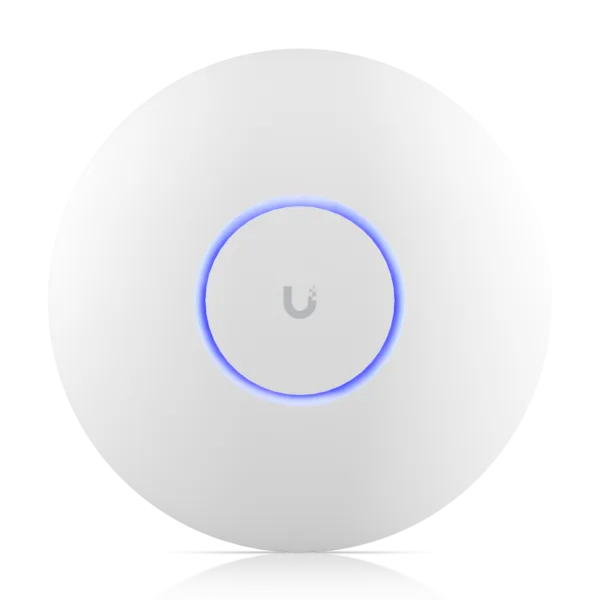 Ubiquiti UniFi U7 Pro U7-PROCeiling Wi-Fi 7 Access Point, 6 Streams, 6 GHz Original price was: AED 857.00.AED 811.00Current price is: AED 811.00.In stock in DubaiView product Wi-Fi 7 value
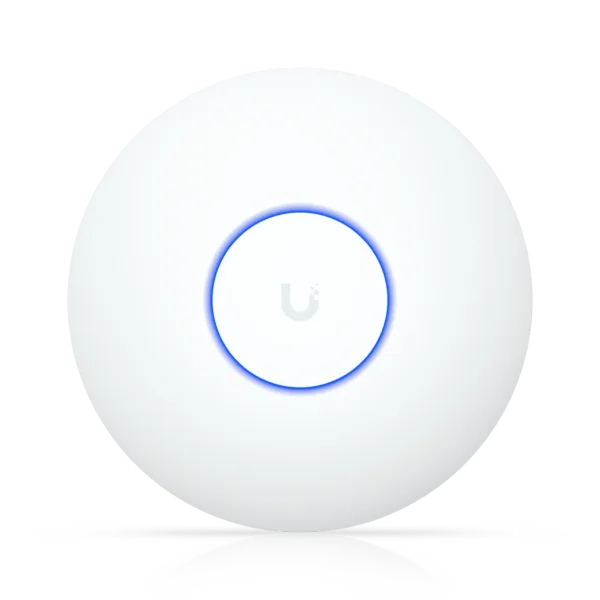 Ubiquiti UniFi U7 Lite U7-LITECeiling Wi-Fi 7 AP, 4 Streams, 2.5 GbE UplinkAED 454.00In stock in DubaiView product Gateway
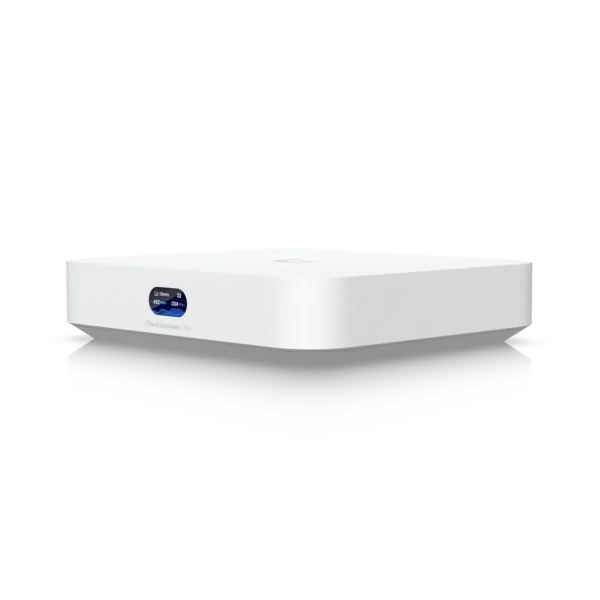 Ubiquiti UniFi Cloud Gateway Ultra UCG-ULTRACompact Gateway, 1 Gbps IPS, Multi-WANAED 518.00In stock in DubaiView product PoE switch
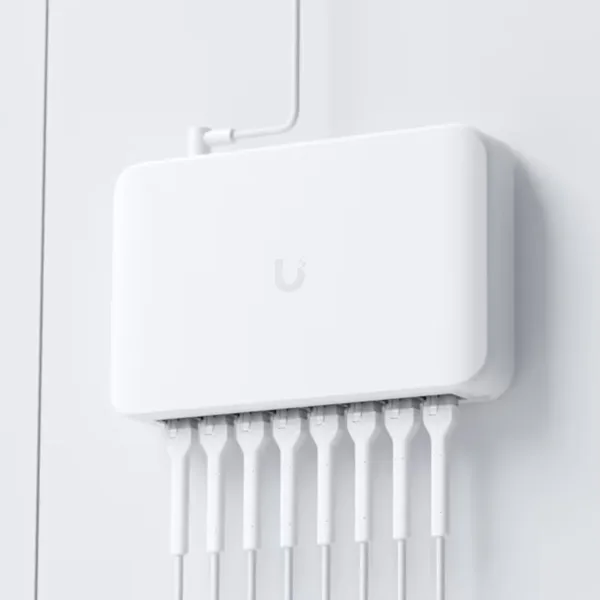 Ubiquiti UniFi USW-Lite-8-PoE Switch8x Gigabit with 4x PoE+, 52W, Managed Layer 2AED 529.00In stock in DubaiView product
Ubiquiti UniFi U7 Pro U7-PROCeiling Wi-Fi 7 Access Point, 6 Streams, 6 GHz Original price was: AED 857.00.AED 811.00Current price is: AED 811.00.In stock in DubaiView product Wi-Fi 7 valueUbiquiti UniFi U7 Lite U7-LITECeiling Wi-Fi 7 AP, 4 Streams, 2.5 GbE UplinkAED 454.00In stock in DubaiView product GatewayUbiquiti UniFi Cloud Gateway Ultra UCG-ULTRACompact Gateway, 1 Gbps IPS, Multi-WANAED 518.00In stock in DubaiView product PoE switchUbiquiti UniFi USW-Lite-8-PoE Switch8x Gigabit with 4x PoE+, 52W, Managed Layer 2AED 529.00In stock in DubaiView product All of it is genuine UAE-channel stock with warranty handled from our Bur Dubai shop. Before buying second-hand, read how to spot grey-market Ubiquiti, and see today’s prices on our Ubiquiti price list for the UAE.
Frequently asked questions
What is the default password for a UniFi access point?
Before adoption, UniFi access points accept SSH with username ui and password ui on current firmware, or ubnt and ubnt on older firmware. After the AP is adopted, the controller sets new SSH credentials, which you find in the UniFi Network application under the device SSH authentication settings.
What is the default IP address of a Ubiquiti device?
airMAX radios such as LiteBeam and NanoStation use 192.168.1.20. EdgeRouters use 192.168.1.1. UniFi access points and switches take an address from DHCP and fall back to 192.168.1.20 when no DHCP server is available. UniFi consoles such as the Dream Machine use 192.168.1.1 on the LAN.
Is ubnt/ubnt still the default UniFi password?
Only on older firmware. Newer UniFi firmware uses ui / ui as the factory SSH login. If one combination fails on a factory-reset device, try the other.
What is the default password for a UniFi Dream Machine?
There is none. You create the owner account when you first set up the Dream Machine, Dream Router or Cloud Gateway in the UniFi app or in a browser at 192.168.1.1. SSH uses the user root with the password you set in the console’s SSH settings.
How do I reset a UniFi access point to factory defaults?
With the access point powered on, press and hold the reset button for about 10 seconds until the LED changes, then release it. The AP returns to its factory login and is ready to be adopted again.
Why does my UniFi password not work after adoption?
Adoption replaces the factory login with the site’s own device SSH credentials. That is expected behaviour. Look them up in the UniFi Network application settings, or reset the device if it belongs to a site you cannot access.
Still locked out of a Ubiquiti device?
Send us the model and what you see on screen. Our team will help you get back in.